Small Business Automation - Where to Start Without a Programmer (and Without a Big Budget)
Small business automation without a programmer or a big budget. Learn where to start, what to automate first and which common mistakes to avoid.
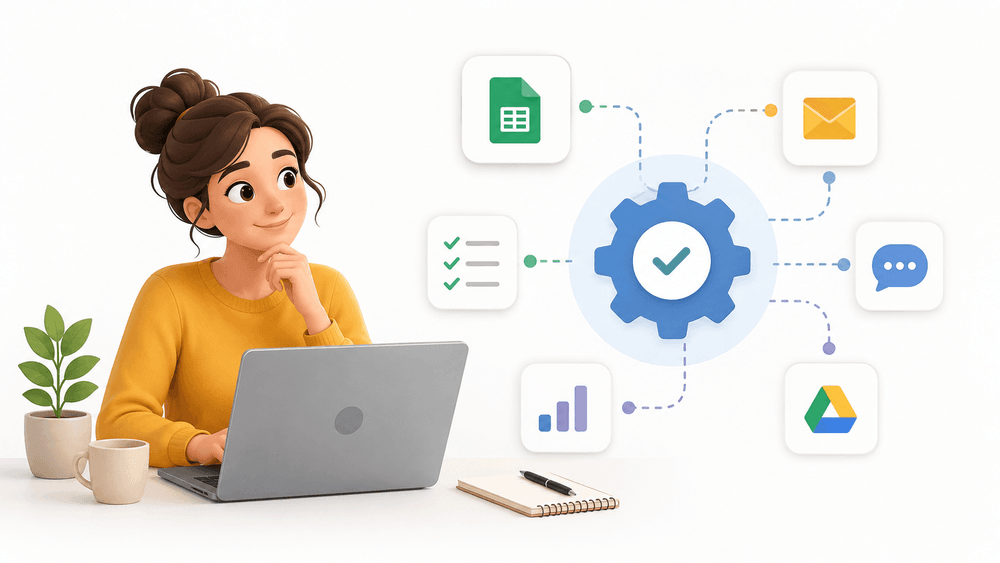
Do you run a small business and feel like you do the same things week after week? You copy data from the contact form into a spreadsheet, manually send appointment reminders, issue the same invoices, answer the same questions. That adds up to several, sometimes more than a dozen hours a month lost on tasks you do not actually need to do yourself.
Here is the good news: most of these things can be automated on your own. Without a programmer, without expensive software and without technical knowledge. In this article I will show you what small business automation really is, how to recognize what is worth automating first, and five processes you can launch almost immediately. By the end you will know where to start and what to avoid.
What Automation Actually Is (and What It Is Not)
A lot of misunderstanding has grown around the word "automation". Many small business owners hear it and immediately think of artificial intelligence, expensive ERP systems or complicated deployments that only corporations can afford. That is not true.
Automation is simply connecting tools you already use so that they "talk" to each other without your involvement. Nothing more. Instead of manually moving information from one place to another or repeating the same task hundreds of times, you set it up once and then it happens by itself.
This is best shown with a concrete example. Imagine this path:
- A client fills out the contact form on your website.
- They automatically receive an email confirming that the message arrived and that you will reply within 24 hours.
- Their details (name, email, message content) go straight into a spreadsheet or CRM system.
- You get a notification on your phone that a new lead has come in.
All of this happens within seconds, at any time of day or night, without you having to click anything. That is automation. Not magic, not artificial intelligence - just well-connected tools.
It is worth clarifying right away what automation is not. It is not replacing a human everywhere human contact is needed. It is not a one-time "set it and forget it" - good automations require testing and occasional oversight. And it is not something that only makes sense at scale. Quite the opposite: it is precisely the small business, where everything rests on the shoulders of one or two people, that gains the most from automation, because every hour recovered is worth its weight in gold.
How to Recognize What Is Worth Automating First
This is the most important part of the whole article. Before you start looking for tools, you need to know what you actually want to automate. Without that, it is easy to fall into a trap: you install an app because someone recommended it, and a month later it turns out it solved no real problem.
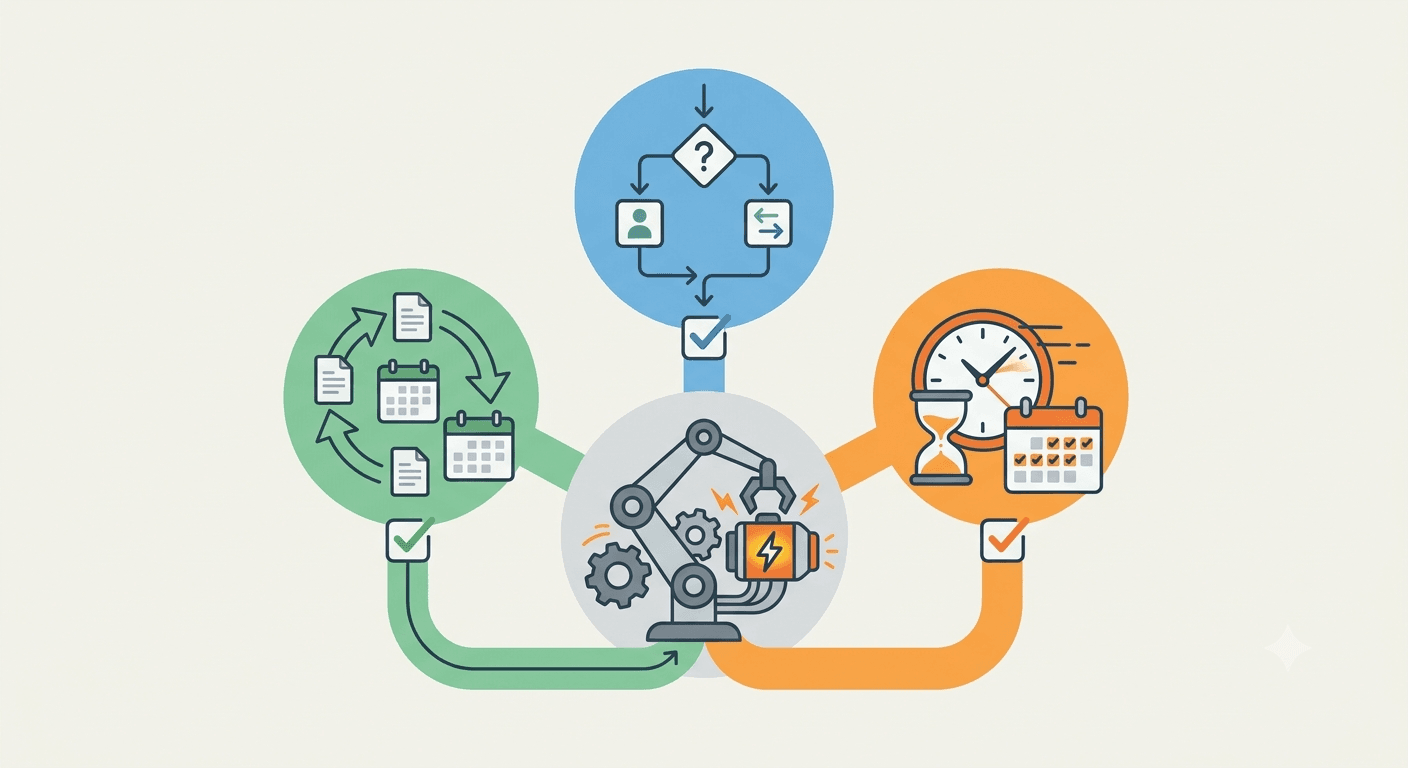
Instead, use a simple test. A task is worth automating if it meets all three conditions at once:
- It is repetitive - you do it regularly, over and over, in the same way.
- It is rule-based - it can be described with an "if X happens, do Y" pattern, without needing judgment or a decision each time.
- It is time-consuming - it eats up real time over the course of a week or month.
If a task meets all three conditions, it is an ideal candidate for automation. If it meets only one or two, it is usually better to leave it alone at the start.
An Exercise Worth Doing Now
Grab a sheet of paper or open a notepad and write down everything you do in your business more than three times a week, always the same way. Do not filter, just write. Answering the same client questions. Sending reminders. Copying data. Issuing invoices. Publishing the same content.
Once you have the list, rate each item by two criteria: how often you do it and how much time it takes. This is easiest to see on a simple matrix:
| - | Takes little time | Takes a lot of time |
|---|---|---|
| Rarely | Low priority | Consider later |
| Often | Quick win | Start here |
Tasks in the bottom-right corner - the ones you do often and that take a lot of time - are your starting point. By automating them first, you will feel the effect almost immediately. These are exactly the ones that will give you back the most time for the least deployment effort.
5 Processes a Small Business Can Automate Right Away
Below are five areas that most often turn out to be "quick wins" in small businesses. For each one I describe what problem it solves, how it works in practice, and who it is especially good for.
1. Handling Website Inquiries
What problem it solves: leads from the contact form get lost, the client waits for a reply and loses patience, and you copy the data manually into a spreadsheet or email.
How it works: you connect the form on your website to an automated flow. When someone fills it out, several things happen at once - the client gets an instant auto-reply, their details go into a CRM or spreadsheet, and you receive a notification. Nothing gets lost, the client feels taken care of, and you keep your contacts in order.
Especially good for: any service business that acquires clients through its website. The more inquiries, the greater the saving.
2. Bookings and Scheduling Appointments
What problem it solves: arranging dates by phone and email eats up a huge amount of time, mistakes and double bookings happen, and the client cannot book outside your working hours.
How it works: you embed an online booking system on your website. The client picks an available slot from your calendar themselves, gets a confirmation, and the appointment appears automatically in your schedule. You can also collect a deposit at the moment of booking, which reduces the number of no-shows.
Especially good for: physiotherapists, beauty salons, personal trainers, clinics - anywhere you sell your time in blocks.
3. Appointment Reminders
What problem it solves: clients forget about booked appointments. Every no-show is a loss - an empty slot that can no longer be recovered.
How it works: an automated system sends the client a reminder by SMS or email a day or a few hours before the appointment. The client has a chance to confirm or reschedule in advance, so you can fill the gap with someone else.
Especially good for: all appointment-based businesses. The effect can be very measurable - systematic reminders can noticeably reduce the number of missed appointments, and every saved visit is real revenue.
4. Invoicing and Payments
What problem it solves: manually issuing the same invoices after every sale, chasing payments, sending documents by email.
How it works: you connect your invoicing software to your store or payment system. Once a payment is recorded, the invoice is issued and delivered to the client automatically. You keep your documents in order without touching them by hand.
Especially good for: online stores and businesses with repetitive, transactional sales.
5. Email Sequences
What problem it solves: you do not have time to individually look after every new client or subscriber, and contact breaks off right after the first touchpoint.
How it works: you set up an automated sequence of messages once - a welcome message after sign-up, a thank-you and tips after purchase, an abandoned cart reminder. They send themselves, at the right moment, building the relationship and sales without your involvement.
Especially good for: online stores and businesses building a contact base and selling regularly.
No-Code Tools - What to Actually Choose
You do not need to know how to code to get all of this running. The market for no-code tools is mature enough today that you can set up most automations by clicking ready-made blocks.
The tools roughly split into two groups.
Connectors are apps whose job is to link other apps together. They work on the principle of "if X happens in tool A, then do Y in tool B". The most popular are Zapier (very simple, a huge library of ready-made connections) and Make, formerly Integromat (a bit more advanced, gives you more control and is often cheaper with a higher number of operations). Both let you build flows by dragging blocks, without a single line of code.
Ready-made industry solutions are tools built for a specific task, with automation built in. These include online booking systems, email marketing tools with ready-made sequences, and invoicing programs with automatic document generation.
Good news for the start: most of these tools have a free plan or a free trial period. So you can test the idea before spending a single cent. Start with one process and one tool - do not try to deploy everything at once.
A Real-Life Example - What Automation Looks Like Step by Step
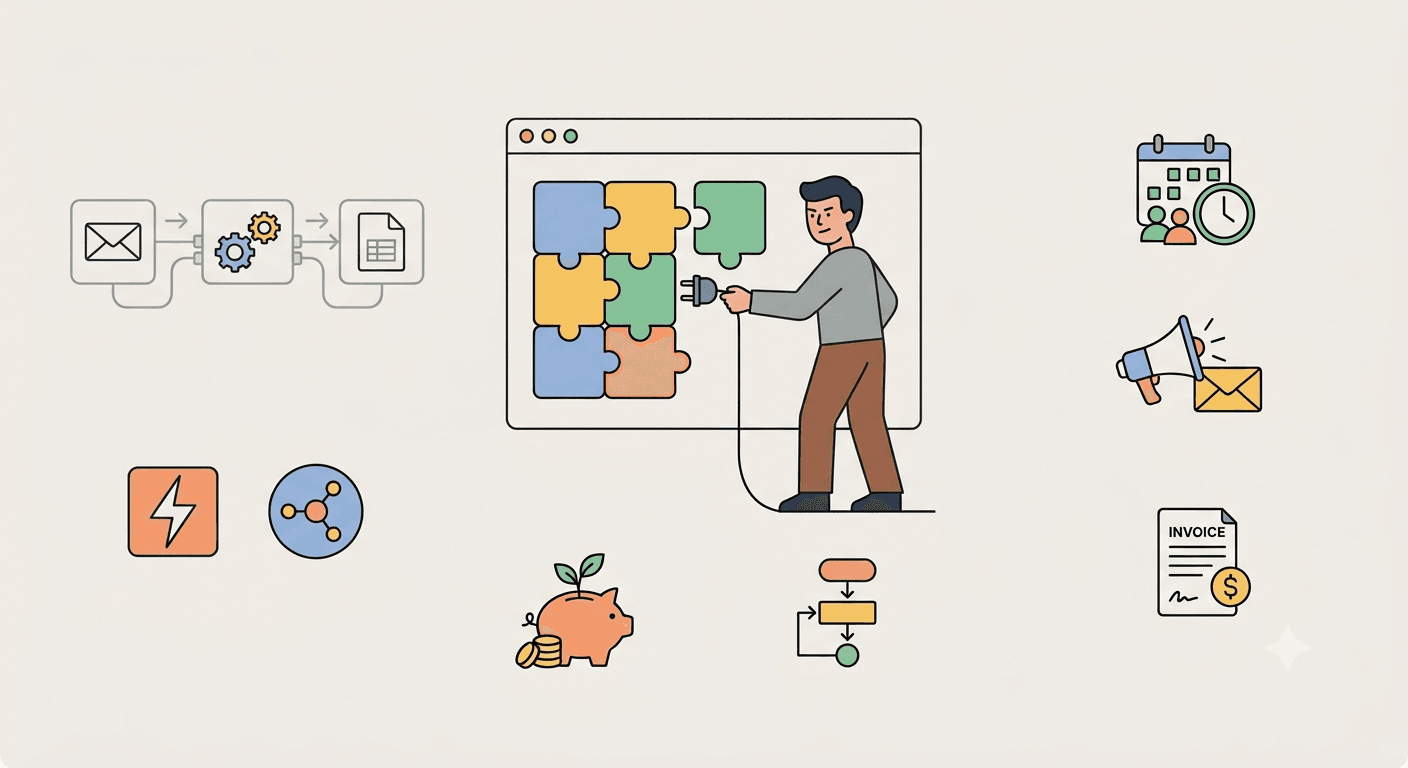
To keep this from being too abstract, let us trace one realistic scenario from start to finish. Take a physiotherapy practice run by a single person - a situation typical of many small service businesses.
Before automation. The physiotherapist arranges appointments by phone, between patients. Answering calls interrupts the therapy, some calls get missed because they cannot always pick up. Dates are noted in a paper calendar, mistakes happen. Reminders are not sent, because there is no time for it, so missed appointments happen regularly - an empty slot that can no longer be filled. Handling scheduling and managing the calendar takes an estimated few hours a week.
What automation changes. An online booking system appears on the website. The patient picks an available slot themselves, at any time, including in the evening after work. The appointment lands in the calendar right away, with no risk of a double booking. A day before the appointment the patient gets an automatic SMS reminder with the option to confirm or reschedule. If someone cancels in advance, the freed-up slot is visible immediately and can be filled.
After automation. Calls stop interrupting work, because most patients book themselves. The schedule is orderly and always up to date. The number of no-shows drops, because reminders actually work. The recovered time - those few hours a week - the physiotherapist can put toward seeing more patients or simply resting. The deployment took one evening and required no programming knowledge.
This is a representative example rather than a description of a specific client, but the mechanism is exactly the same in any appointment-based business. The scale of the saving depends on the number of clients, but the direction is always the same.
What NOT to Automate (and the Most Common Mistakes)
Automation is a powerful tool, but not for everything. Here are the traps that are easiest to fall into, and the things it is better not to automate - at least at first.
Do not automate chaos. If some process in your business is messy and inconsistent, automation will not fix it - it will only speed up the mess. First put the process in order manually, and only then automate it. Automation reinforces whatever you give it, so give it order.
Do not automate contact that requires a human. There are moments when a client wants to talk to a real person - a difficult complaint, a delicate situation, an important buying decision. If in such moments they hit a rigid bot, they feel brushed off and lose trust. Automate the routine, but leave a human where the relationship and empathy matter.
Do not skip testing. The most common beginner mistake is setting up an automation and assuming it works. Always test the entire flow on yourself before you let it loose on real clients. Send a test submission, check whether the email arrives, whether the data goes where it should. A badly set up automation can send a client an empty message or duplicate invoices - and that is worse than no automation at all.
Do not automate everything at once. The temptation is strong, but deploying five processes simultaneously usually ends with none of them working well and you abandoning the whole thing. Start with one, get it done, get used to it, and then add more.
These rules are not limitations, but a way to make automation genuinely help you instead of causing problems.
When to Do It Yourself and When to Hand It to a Specialist
Let us be honest: not every automation requires an expert. Simple things you really can handle yourself, and it is worth starting with exactly those.
Do it yourself when it comes to a single, simple flow - one form connected to email, basic appointment reminders, a ready-made booking system with simple configuration. These are one-evening tasks, and along the way you will learn how it all works. Free plans and ready-made templates are entirely enough.
Consider a specialist's help when things get complicated. When there are several processes and they have to connect with each other. When the automation is supposed to link your website, store, CRM and payment system into one coherent whole. When an error in the flow costs real money - because it involves payments, invoices or serving many clients a day. In such situations, weeks of your own trial and error end up more expensive than a smooth deployment, and a well-designed system works reliably from day one.
A simple rule: the more moving parts and the higher the cost of a mistake, the more you gain by handing it to someone who has done it many times before.
If you reach the stage where you want to link several processes into one reliable system, I would be glad to help design and deploy automation tailored to your business. Get in touch and I will suggest where to start in your specific case.
Frequently Asked Questions
Is small business automation expensive? It does not have to be. Many tools have free plans that are entirely enough to start with. The cost only rises when you scale the number of operations or link many advanced processes together. To begin, you really can start without spending a single cent.
Do I need a programmer for this? For simple automations - no. No-code tools are designed so that anyone can use them by clicking ready-made blocks. A programmer or specialist only becomes useful for more complex deployments, where several systems have to work together.
Where should I start if I have a limited budget? Start with the one process you do most often and that eats up the most time - most often this is handling inquiries or scheduling appointments. Use a tool's free plan, test the effect, and only then decide on next steps and any costs.
Is automation worth it with just a few clients a month? Yes, though the effect is different from at scale. Even with a small number of clients, automation brings order to your work, eliminates mistakes and makes you look professional - the client gets an instant confirmation and reminders, as if a larger team were serving them. That builds trust regardless of scale.
How long does it take to set up the first automation? A simple flow, for example a form connected to email or a basic booking system, you can usually set up in one evening. More elaborate systems take more work, but you can have a single "quick win" ready as soon as today.
This article is an introduction to automation in a small business. If you want to deploy automation tailored to your business, feel free to get in touch.