How Much Does It Cost to Maintain a Website in 2026? (Complete Pricing Guide)
Cost of website maintenance goes beyond hosting and a domain. Learn real prices, annual costs, examples, and factors that affect security, updates, and website stability.

Building a website is a one-time project. Maintaining it is an ongoing commitment - and one that catches many business owners off guard when the invoices start arriving.
In 2026, website maintenance costs range from as little as $50 per month for a simple brochure site to well over $2,500 per month for large e-commerce platforms and enterprise systems. The wide range exists because "maintenance" covers a broad set of services: hosting, security, updates, backups, performance monitoring, content changes, and technical support.
This guide breaks down every cost category with real numbers, compares pricing by website type, and helps you figure out exactly what you should be budgeting - whether you're running a small business site, an online store, or a high-traffic content platform.
What Does Website Maintenance Actually Include?
Before we get into pricing, it's worth defining what "website maintenance" really covers. A lot of business owners assume it just means paying for hosting. In reality, it's a collection of ongoing tasks:
- Hosting - the server that keeps your site online and loading fast
- Domain renewal - your website address, renewed annually
- SSL certificate - the security layer that protects visitor data
- CMS and plugin updates - keeping WordPress, Shopify, or your platform current
- Security monitoring - scanning for malware, blocking attacks
- Backups - automated copies of your site in case something goes wrong
- Performance optimization - ensuring fast load times and Core Web Vitals scores
- Content updates - adding pages, updating text, swapping images
- Technical support - fixing bugs, broken links, display issues
- SEO maintenance - keeping up with algorithm changes, updating metadata
Not every website needs every service at the same level. A five-page brochure site has simpler needs than an online store processing hundreds of daily transactions. The key is matching your maintenance spend to what your website actually does.
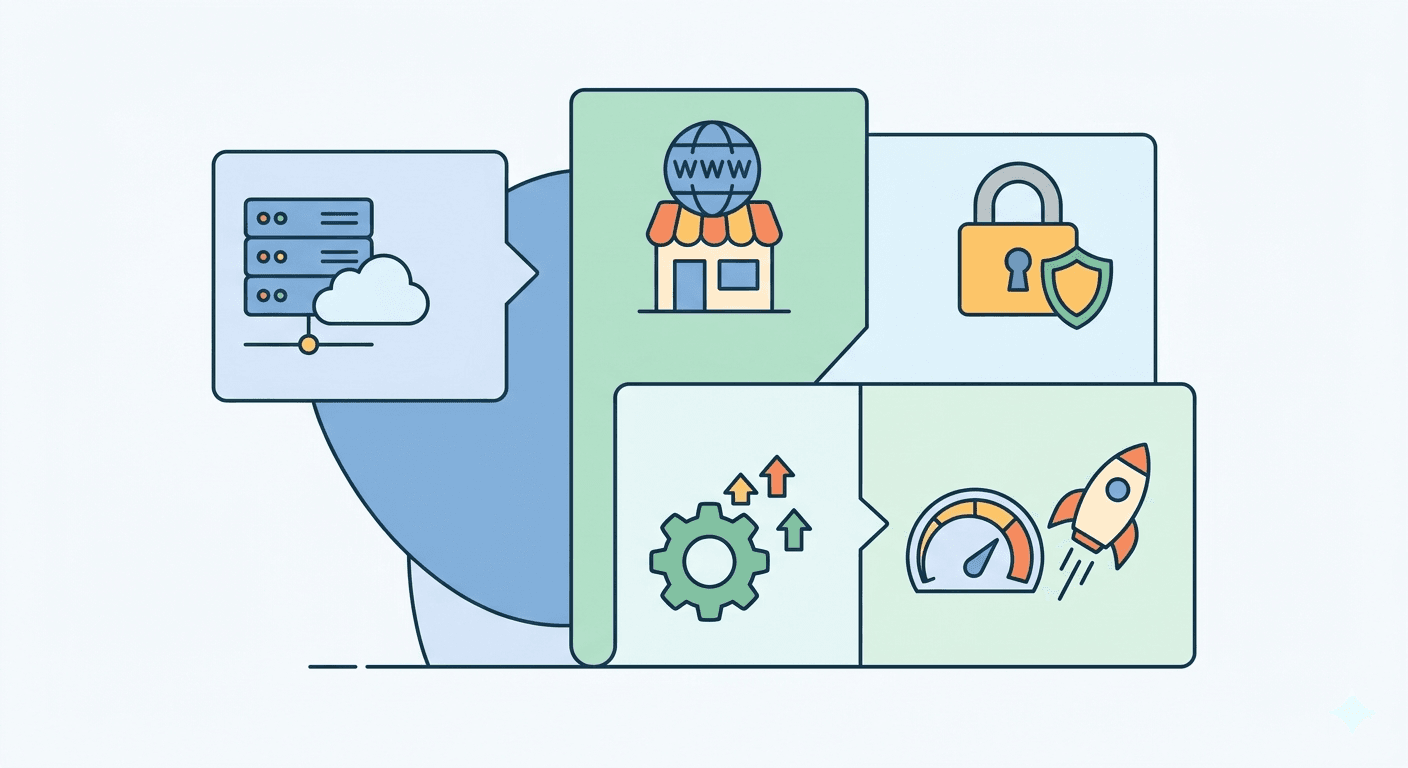
Website Maintenance Cost by Website Type
The fastest way to estimate your costs is to look at what similar websites typically spend. Here's a realistic breakdown for 2026:
| Website Type | Monthly Cost | Annual Cost |
|---|---|---|
| Personal blog / portfolio | $5 - $50 | $60 - $600 |
| Small business brochure site | $50 - $200 | $600 - $2,400 |
| Corporate / multi-page website | $150 - $500 | $1,800 - $6,000 |
| Small e-commerce store | $300 - $1,000 | $3,600 - $12,000 |
| Large e-commerce / enterprise | $1,000 - $5,000+ | $12,000 - $60,000+ |
These figures include basic hosting, domain, security, and routine updates. They do not include SEO campaigns, paid advertising, or major redesigns.
Breaking Down Every Cost Category
1. Web Hosting: $3 - $500+/month
Hosting is typically the largest and most variable line item in your maintenance budget. The type of hosting you choose has a direct impact on your site's speed, uptime, and security - all of which affect your Google rankings and user experience.
Shared hosting ($3 - $15/month): Multiple websites share the same server resources. It's affordable but slower and less reliable. Acceptable for brand-new sites with minimal traffic.
VPS hosting ($20 - $100/month): A virtual private server gives your site dedicated resources within a shared environment. A solid middle ground for growing businesses with moderate traffic.
Managed WordPress hosting ($25 - $150/month): Specifically optimized for WordPress sites. Includes automatic updates, daily backups, and performance tuning. Worth the cost if you don't want to handle the technical side yourself.
Dedicated server ($80 - $500+/month): The entire server is yours. Necessary for high-traffic sites, large e-commerce stores, or platforms with strict security requirements.
Cloud hosting ($50 - $500+/month): Scales automatically with your traffic. Popular for businesses with unpredictable visitor spikes or SaaS-style web applications.
One rule of thumb: don't cheap out on hosting. A $3/month shared plan sounds attractive until your site goes down during a busy period or loads slowly enough to hurt your Google rankings. For most small businesses, a reliable hosting plan in the $20-$80/month range is the right investment.
2. Domain Name: $10 - $50/year
Your domain name is one of the cheapest recurring costs - and one of the most important to not forget. A lapsed domain can take your entire website offline.
- Standard .com domains: $10 - $20/year
- Premium extensions (.io, .shop, .co): $25 - $60+/year
- Domain privacy protection: $10 - $15/year (hides your personal details from public WHOIS records)
Most businesses spend under $30/year on their domain, with privacy included. Set up auto-renewal so you never accidentally let it expire.
3. SSL Certificate: $0 - $300/year
An SSL certificate encrypts the connection between your website and its visitors. Without it, browsers display a "Not Secure" warning - a trust killer. Google also uses HTTPS as a ranking signal.
- Free SSL (Let's Encrypt): Available through most reputable hosting providers. Adequate for most small business and informational sites.
- Standard paid SSL: $50 - $100/year. Offers slightly more validation and often comes with a warranty.
- Extended Validation (EV) SSL: $100 - $300/year. Shows your company name in the browser bar. Used by financial institutions and large e-commerce platforms.
Unless you're running an online store or handling sensitive data, a free SSL certificate is usually sufficient.
4. Security and Backups: $20 - $300/month
Website security is the most commonly underestimated maintenance cost - until something goes wrong. A hacked site can cost thousands of dollars to clean up, damage your reputation, and result in lost business.
Core security components include:
- Malware scanning and removal: Automated tools scan your site regularly for malicious code. Services like Sucuri or Wordfence start at around $10/month for basic protection.
- Firewall protection (WAF): Blocks suspicious traffic before it reaches your site. Often bundled with security plugins or hosting plans.
- Automated backups: Daily backups stored off-site give you a restore point if something goes wrong. Many hosts include this; standalone backup services cost $5 - $50/month.
- Uptime monitoring: Alerts you the moment your site goes down. Free tools exist, but paid services ($10 - $30/month) offer more detail and faster alerting.
For a basic small business site, budgeting $20 - $50/month for security and backups combined is reasonable. E-commerce sites handling payment data should expect $100 - $300/month or more for robust protection.
5. CMS and Plugin Updates: $0 - $150/month
If your site runs on WordPress, Shopify, or another CMS, it needs regular software updates. Outdated plugins are one of the leading causes of website hacks - attackers actively scan for sites running known vulnerable versions.
- DIY updates: Free, but time-consuming. You also take on the risk of something breaking after an update.
- Outsourced updates: Agencies and freelancers typically charge $30 - $150/month for monthly update cycles that include post-update testing and bug fixes.
- Managed hosting that includes updates: Some managed WordPress hosts handle CMS and plugin updates automatically as part of their hosting plan.
The real cost of skipping updates isn't measured in dollars - it's measured in cleanup costs, downtime, and damaged reputation after a security incident.
6. Technical Support: $0 - $2,500/month
"Technical support" is a broad category that covers everything from fixing a broken contact form to recovering from a server crash. How much you spend depends on how often things go wrong and how quickly you need them fixed.
Common pricing models:
- Pay-as-you-go: Freelance developers typically charge $45 - $150/hour in the US. One or two small fixes per month might cost $100 - $300.
- Monthly retainer (basic): $50 - $200/month for small sites. Covers a set number of support hours.
- Monthly retainer (comprehensive): $200 - $1,000/month for growing businesses. Includes proactive monitoring, updates, performance checks, and faster response times.
- Enterprise support contracts: $1,000 - $2,500+/month for large sites that need guaranteed response times and dedicated support staff.
If your website directly drives revenue - through lead generation, appointments, or online sales - professional technical support pays for itself quickly by minimizing downtime.
7. Performance Optimization: $50 - $500/month
Website speed isn't just a user experience issue. Google's Core Web Vitals are a confirmed ranking factor, meaning a slow site ranks lower in search results. Performance optimization includes:
- Image compression and format updates (WebP, AVIF)
- Caching configuration
- Database cleanup
- Code minification
- Server response time improvements
Many ongoing maintenance plans include basic performance checks. Dedicated optimization work - especially for high-traffic sites - can run $100 - $500/month, or higher for complex platforms.
8. Content Updates: $0 - $4,000+/month
Content updates are often overlooked in maintenance budgets, but they're essential for both user experience and SEO. Search engines reward regularly updated, accurate content.
- DIY content updates: Free, assuming you have the time and writing ability.
- Freelance copywriter: $0.10 - $1.00/word, or $28 - $100+/hour depending on experience and niche. Four 2,000-word articles per month could cost $1,000 - $4,000+.
- Basic content management (swapping images, updating info): Often included in mid-tier maintenance packages.
If you run a blog or content-heavy site, content creation is likely your single largest ongoing cost.
DIY vs. Professional Maintenance: What's the Real Difference?
One of the biggest decisions you'll make about website maintenance is whether to handle it yourself or hire someone.
DIY Maintenance
Costs: Mostly your time, plus tool subscriptions Best for: Developers, tech-savvy owners, very simple sites
You can manage hosting, install updates, run backups, and monitor security yourself using free or low-cost tools. The trade-off is time - and the risk of making a mistake that takes your site offline.
Hiring a Freelancer
Costs: $45 - $150/hour, or $100 - $500/month on retainer Best for: Small businesses that need occasional help without committing to an agency
Freelancers offer flexibility and often more personalized service. The risk is availability - a good freelancer may be hard to reach when something urgent breaks.
Working with an Agency
Costs: $200 - $2,500+/month Best for: Businesses where the website is a core revenue driver
Agencies offer structured processes, faster response times, and a team rather than a single person. They're more expensive, but they provide peace of mind and consistent quality.
The right choice depends on your technical comfort level, the complexity of your site, and how critical uptime is to your business.
Hidden Costs Most People Don't Budget For
Beyond the obvious line items, there are costs that tend to surprise business owners:
Premium plugins and tools: Many WordPress plugins have annual license fees of $50 - $300/year. If you're running 5-10 plugins, this alone can add $500+ to your annual costs.
Emergency fixes: When something breaks unexpectedly - after an update, a server issue, or a hack - rush repair work often costs 2-3x the normal hourly rate.
Design refreshes: Every 2-3 years, most sites need at least a partial visual update to stay competitive. This isn't part of routine maintenance but should be in your long-term budget.
Compliance updates: Privacy laws (GDPR, CCPA) and accessibility standards evolve. Ensuring your site stays compliant requires periodic legal and technical review.
SEO maintenance: Algorithm updates from Google regularly change what works. Ongoing SEO work - updating metadata, fixing technical issues, building links - is separate from basic maintenance but essential for sustained search visibility.
Annual Budget Examples by Business Size
To make the numbers concrete, here's what total annual website maintenance might look like for three different businesses:
Small Local Business (Brochure Site, 5-10 pages)
| Item | Annual Cost |
|---|---|
| Domain | $15 |
| Shared/VPS Hosting | $240 |
| SSL Certificate | Free |
| Security + Backups | $120 |
| Plugin updates (DIY) | $0 |
| Total | ~$375/year |
If they hire someone for occasional technical support: add $500 - $1,000.
Growing SMB (WordPress Site, Blog, Lead Generation)
| Item | Annual Cost |
|---|---|
| Domain | $15 |
| Managed WordPress Hosting | $600 |
| SSL Certificate | Free |
| Security Suite | $240 |
| Monthly Maintenance Plan | $1,800 |
| Performance Monitoring | $120 |
| Total | ~$2,775/year |
E-commerce Store (WooCommerce or Shopify, 500+ products)
| Item | Annual Cost |
|---|---|
| Domain | $20 |
| VPS or Dedicated Hosting | $1,800 |
| EV SSL Certificate | $200 |
| Security + WAF | $1,200 |
| Agency Maintenance Plan | $6,000 |
| Plugin Licenses | $600 |
| Performance Optimization | $1,200 |
| Total | ~$11,020/year |
How to Reduce Website Maintenance Costs Without Cutting Corners
Trimming your maintenance budget doesn't mean accepting worse security or performance. Here's where smart optimization is possible:
Bundle services: Many hosting providers include free SSL, daily backups, and basic security in higher-tier plans. Bundling can cost less than buying each service separately.
Choose the right CMS: Some platforms require less maintenance than others. A simple static site has virtually no update overhead. Over-engineering your site creates unnecessary ongoing costs.
Automate what you can: Automated backups, uptime monitoring, and security scans cost a fraction of manual management and catch problems faster.
Invest in quality hosting upfront: Cheap hosting leads to slow sites, more downtime, and harder-to-fix problems. A better host often reduces the total cost of maintenance over time.
Audit your plugins: Every plugin is a potential vulnerability and a maintenance burden. Remove anything you're not actively using.
Is Website Maintenance Worth the Investment?
The real question isn't "how much does website maintenance cost?" - it's "what does it cost when you skip it?"
A hacked website costs an average of $4,200 to clean up, according to industry estimates. A site that goes down during peak business hours loses potential sales every minute. A slow site loses visitors before they even see your offer.
For most businesses, website maintenance is one of the highest-ROI investments in their digital presence. It protects the asset you've already built, keeps it performing well in search results, and ensures visitors have a trustworthy experience when they land on your pages.
If your website is generating leads, sales, or brand credibility, maintaining it professionally is not an optional expense - it's the cost of doing business online.
Frequently Asked Questions
How much does website maintenance cost per month? For most small businesses, monthly website maintenance costs between $50 and $500, depending on the size of the site, the platform it runs on, and the level of professional support included.
How much does website maintenance cost per year? Annual website maintenance typically ranges from $600 to $12,000 for small to mid-sized businesses. E-commerce and enterprise sites can spend $24,000 or more per year.
What is included in a website maintenance plan? Most plans include hosting, domain renewal, SSL, software updates, security monitoring, backups, and some level of technical support. Higher-tier plans add performance optimization, content updates, and dedicated support hours.
How much does it cost to hire someone to maintain my website? Freelance developers charge $45 - $150/hour. Monthly maintenance retainers range from $100 to $2,500+ depending on the scope of work and the provider.
Can I maintain my website myself? Yes - especially for simple sites. You'll need to handle hosting, updates, backups, and basic security. The main cost is time. For anything complex, professional maintenance becomes more cost-effective when you factor in the risk of errors.
How often should a website be maintained? Core tasks like security scans and backups should run automatically on a daily or weekly basis. Software updates typically happen monthly. Domain and hosting renewals are annual. Performance and SEO audits are recommended quarterly.
Looking for professional website maintenance that fits your budget? Explore our services and find out what working with an experienced team looks like in practice.
Related articles

Website for Electricians and Plumbers - How to Get More Jobs from Google
What should a trade website include? How to rank in Google Maps and win more jobs from search? A practical guide with specific steps for electricians and plumbers.

Physiotherapy Website & SEO Guide: Get More Patients from Google
What does a physio clinic website actually need - and how do you rank on Google in 2026? A practical guide to SEO for physiotherapists.

Website or Google Maps Listing? What Local Businesses Actually Need in 2026
Limited budget, limited time - website or Google Business Profile first? An honest answer with real arguments, a clear priority order, and an action checklist.