AI Chatbot on Your Website - When It's Worth It (And When It's a Waste of Money)
Everyone says you need an AI chatbot. For half of businesses, it's a bad investment. Here's when it pays off - and when to skip it. Real 2026 pricing included.
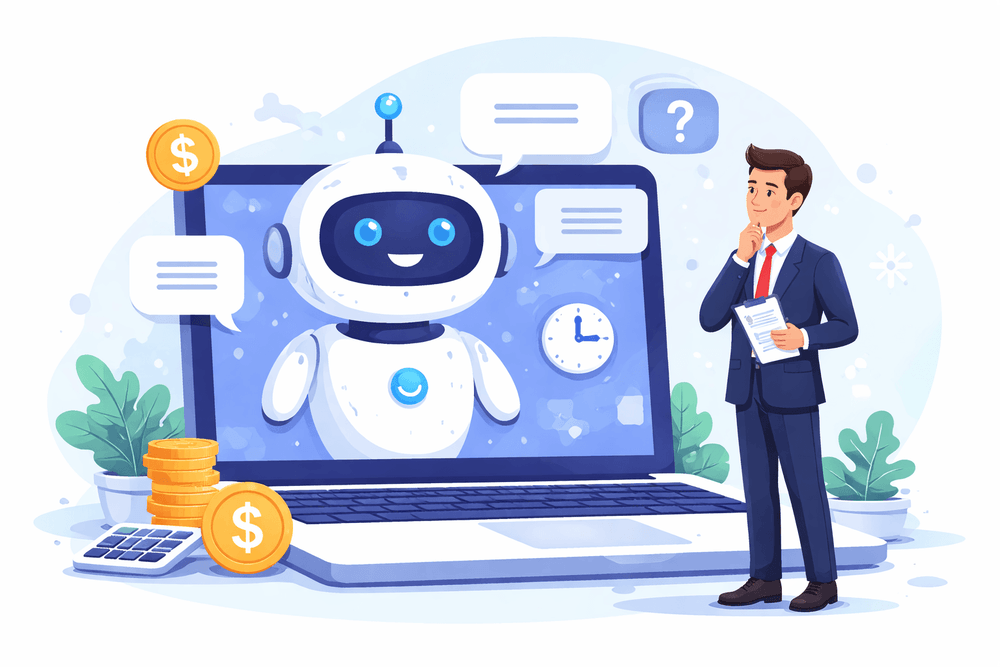
AI chatbot. You hear about it everywhere. LinkedIn posts, industry articles, conversations with other business owners - someone is always saying you "need to have one." But do you? For every business? In every industry? Right now?
No. And that's exactly what this article is about - an honest answer to when an AI chatbot makes business sense, when it's a waste of money, and what it actually costs if you decide to go ahead.
What an AI Chatbot Actually Is - and What It Isn't
Let's start with a distinction that matters.
A traditional chatbot (still common, often confused with AI) works like a decision tree: press 1 to ask about pricing, press 2 to check opening hours. If the question doesn't match any menu option - the bot freezes or tells you to send an email. Frustrating, and increasingly ignored by users.
An AI chatbot is a different league entirely. It understands questions written in plain language, responds based on knowledge you've given it about your business, and can hold a natural conversation. A customer types "do you have something for someone just starting out with a small budget?" - the bot understands the intent and answers specifically, rather than redirecting to a menu.
The key difference: a traditional bot reacts to keywords, an AI chatbot understands meaning.
When an AI Chatbot Makes Sense - 5 Concrete Cases
1. You're answering the same questions over and over
Check your inbox or message history from the past month. If 60-70% of questions are variations of the same dozen topics - pricing, turnaround times, how to order, what's included, delivery times - you have a perfect use case for a chatbot.
An AI chatbot absorbs those questions once, learns the answers, and handles them automatically from that point on. 24 hours a day, 7 days a week, without emails sitting unanswered until morning.
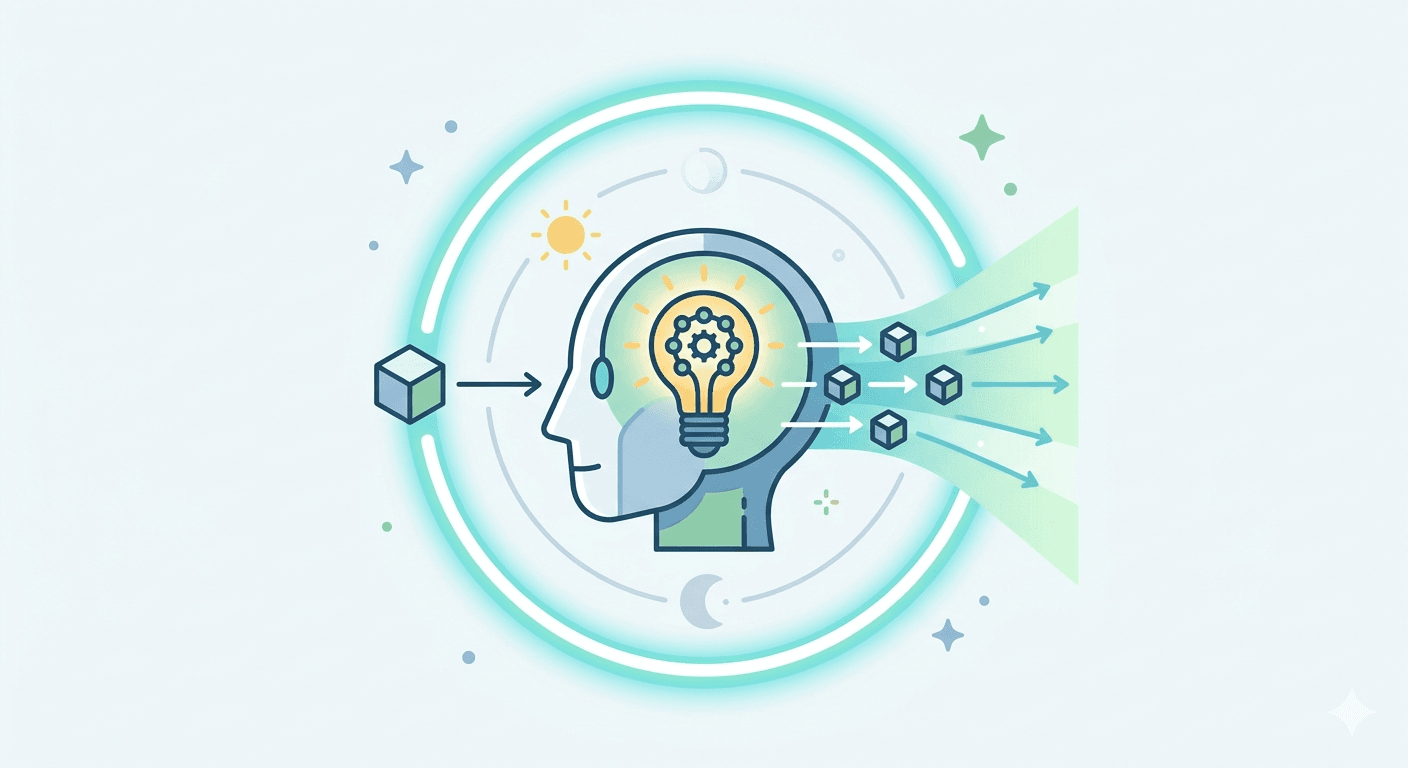
2. You're losing customers outside business hours
A potential client visits your website at 10:30 PM. They want to ask about your offer. The contact form says "we'll reply within 24 hours." They close the tab and find someone who will answer now.
For service businesses, shops, clinics, law firms - every gap between a question and an answer is a potential lost client. A chatbot closes that gap. It doesn't need to solve every problem - it just needs to answer basic questions and capture contact details for a follow-up in the morning.
3. You have plenty of traffic but few enquiries
This is a signal many people overlook. If Google Analytics shows hundreds of daily visits but the contact form is quiet - the problem is conversion, not traffic. People are arriving, but something is stopping them from reaching out.
A chatbot can be the element that lowers the barrier. Typing a message in a chat window is psychologically easier than filling in a form - especially for someone who has "just one quick question."
4. You run an online store
E-commerce is the environment where an AI chatbot pays off fastest. According to Baymard Institute research, 70% of shopping carts are abandoned. Some of those abandonments come from unanswered last-minute questions: what's the delivery time, can I return this, will this product work with what I already have.
A chatbot answers those questions in two seconds - and keeps the customer on your site.
5. You want to qualify leads before they reach you
For B2B companies, agencies, and service businesses - not every enquiry is worth the same. A chatbot can ask a few qualifying questions (what's your budget, what's your timeline, what kind of service are you looking for) before passing the contact to a salesperson. Your team gets a warm, pre-qualified lead - instead of answering every enquiry from scratch.
When an AI Chatbot Does NOT Make Sense
This is the more important part of this article. Many businesses implement a chatbot because "that's what everyone does now" - and turn it off three months later because it isn't delivering results.
When you don't have much traffic yet
A chatbot is a tool for converting traffic you already have. If your site gets 200 visits a month - a chatbot won't magically generate 50 new clients. Traffic first, then conversion optimisation.
When your industry requires a deep conversation before a decision
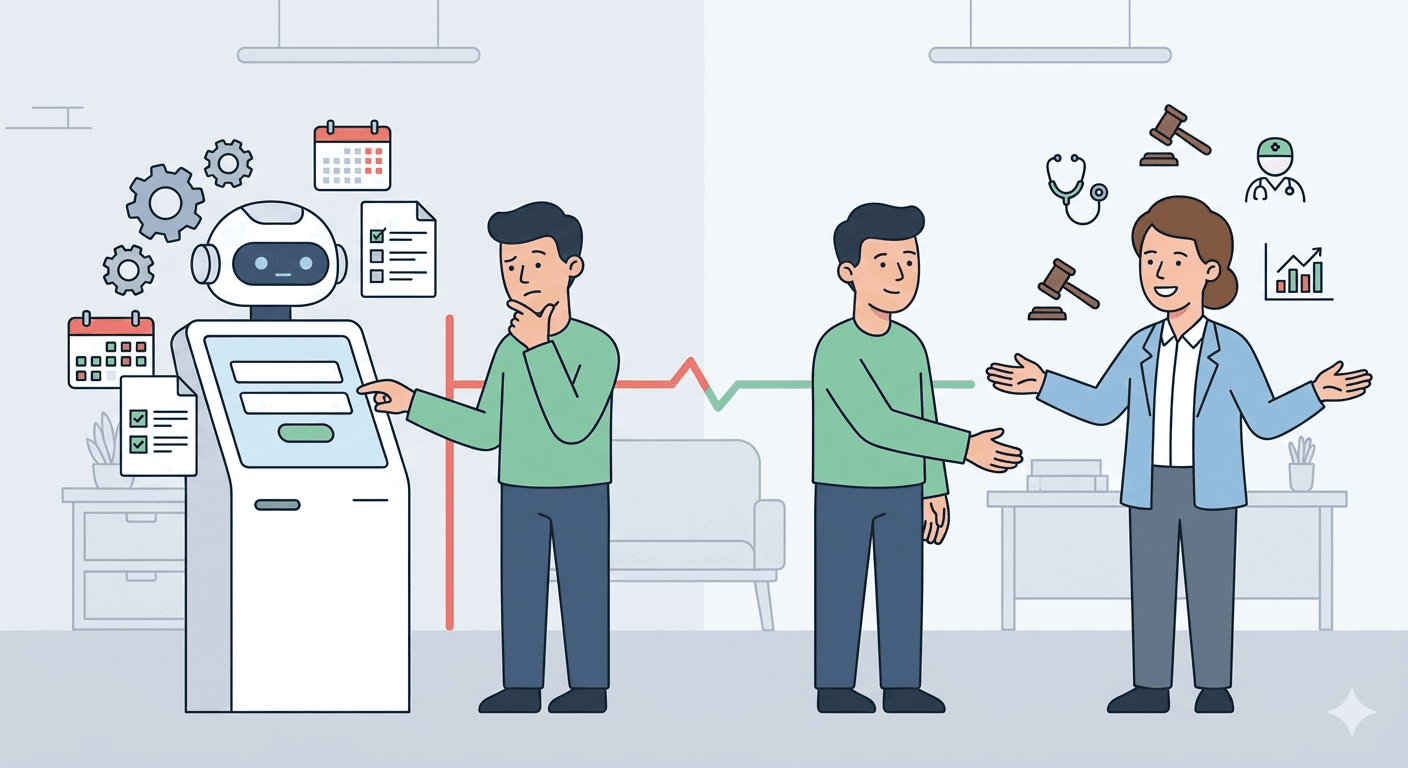
A law firm, a consulting practice, a private medical clinic - clients need to speak with a human before committing. A chatbot can collect initial information and schedule a consultation, but it can't replace that conversation. If you deploy it as the primary contact channel, you risk putting off exactly the clients you most want to attract.
When you don't have time to set it up properly and maintain it
An AI chatbot doesn't work well straight out of the box. It requires a knowledge base - FAQs, a description of your offer, pricing, company policies. It requires a week or two of configuration. And it requires regular review of conversation logs to fix answers the bot is handling poorly.
If you don't have the time or resources for that - a well-written contact form and a responsive email inbox will serve you better.
When your offer changes very frequently
A chatbot answers based on the knowledge you've given it. If prices, products, or terms change every week, you'll need to constantly update the bot's knowledge base. That ongoing effort may not be worth the results.
What It Actually Costs - Real Pricing for 2026
There's a lot of confusion here because "chatbot" can mean very different things at very different price points.
Off-the-shelf SaaS tools (simplest implementation)
Platforms like Tidio, Chatbase, Crisp, or CustomGPT let you deploy a basic AI chatbot without writing any code. You upload documents (FAQ, service descriptions), configure the appearance, and paste a code snippet onto your site.
Cost: €25-€150/month depending on the platform and conversation volume Implementation time: 1-3 days Best for: small service businesses, clinics, shops with a straightforward offer
Watch out for pricing models - some platforms charge per message, which can get expensive at high volumes. A flat monthly fee is usually more predictable.
Agency or specialist implementation
If you want a chatbot tailored to your business - with a specific tone of voice, integration with your CRM, booking system, or other software - you need someone experienced to build it.
Implementation cost: €500-€3,500 one-off Monthly maintenance: €80-€250 (hosting, AI API costs, monitoring) Implementation time: 1-4 weeks Best for: businesses with significant traffic, specific requirements, system integrations
Custom enterprise solution
A sophisticated chatbot integrated with CRM, ERP, order management, product databases - a fully bespoke build.
Cost: €4,000-€12,000 implementation + €300-€1,500/month maintenance Best for: large e-commerce operations, businesses handling hundreds of daily enquiries, corporate environments
For the vast majority of small and medium businesses, the right scope sits in the middle tier - an agency implementation for €1,000-€2,500 with monthly maintenance around €100-€200.
What a Good AI Chatbot Looks Like - and How to Recognise One
Not every chatbot that claims to be "AI-powered" actually performs well. Here's what to look for before committing to a solution:
It answers from your knowledge base, not from thin air A good AI chatbot uses a technique called RAG (Retrieval-Augmented Generation) - it searches your documents first, then formulates an answer in natural language. A chatbot that "hallucinates" (invents information that isn't in the knowledge base) is worse than having no chatbot at all.
It knows when to admit it doesn't know and hand over to a human This is a critical feature that's often missing. A good bot will say "that question is outside what I know - I'm passing you to a consultant" and redirect the conversation to your team or email. A bot that loops endlessly without being able to hand off a conversation frustrates customers and damages trust.
It logs conversations You need to see what customers are asking, what the bot handles well, and where it falls short. Without logs, you can't improve the bot's quality over time.
It's GDPR-compliant A chatbot collects personal data - names, email addresses, the content of enquiries. Make sure the platform is GDPR-compliant and that you inform users about data processing in your privacy policy.
How to Implement a Chatbot - Step by Step
If you decide to go ahead, here's an honest roadmap:
Week 1: Build the knowledge base This is the most important and most time-consuming stage. Gather: FAQs (20-30 most common questions with answers), a description of your services and offer, pricing or price ranges, terms of service, opening hours and contact details. The better the knowledge base - the better the bot performs.
Week 2: Configure and test Upload the knowledge base to your chosen platform. Set the tone of communication (formal or conversational), the welcome message, and starter questions visible when the chat window opens. Test it yourself, then ask a few people to throw real questions at it.
Go live: Add the code to your site
Most platforms provide a JavaScript snippet to paste before the