What Is llms.txt? The AI Website Standard Explained (2026 Guide)
robots.txt was for Google. sitemap.xml was for crawlers. llms.txt is for AI. Here's what it does, whether it actually works, and how to add it in under an hour.
Every major shift in how the internet communicates with bots started with a single small file in a website's root directory. In 1994, robots.txt arrived - instructions for search engine crawlers. In 2005, sitemap.xml - a page map for Google. In 2026, the new candidate for that list is llms.txt - a file designed not for search engines, but for AI models.
What exactly is it, how does it work, and is it actually worth implementing? That's what this article is about.
What Is llms.txt?
llms.txt is a plain text file in Markdown format, placed in the root directory of a website (accessible at yoursite.com/llms.txt). Its purpose is to give AI models a clean, concise guide to the most important content on your site.
The standard was proposed in 2024 by Jeremy Howard of Answer.AI. The idea stems from a straightforward observation: when an AI model or AI agent visits a webpage, it receives raw HTML - packed with navigation menus, cookie banners, JavaScript bundles, ad scripts, and footers. For a system working within a limited context window, all that structural noise competes directly with the content that actually matters.
llms.txt solves this problem by handing AI a ready-made, cleaned-up map: "here's what this site is, here are the most important pages, here's what you'll find on each one."
How Does It Compare to robots.txt and sitemap.xml?
Each of these three files serves a different purpose:
| File | For whom | What it does |
|---|---|---|
robots.txt | Search engine crawlers (Googlebot, Bingbot) | Tells crawlers what can and cannot be indexed |
sitemap.xml | Search engine crawlers | Lists all URLs on the site |
llms.txt | AI models and AI agents | Curated map of key content with descriptions |
An important distinction: robots.txt and sitemap.xml have been respected standards for years. llms.txt is still a proposed standard - none of the major AI companies (OpenAI, Google, Anthropic) have officially announced they actively use it. More on that shortly.
What Does an llms.txt File Look Like?
The format is simple - clean Markdown. An example for a web agency:
# SN Solutions

Web design and development agency. We build professional websites,
online stores, and SEO strategies for businesses across Poland and beyond.

## Services
- <a href="https://snsolutions.pl/en/services">Website Design & Development</a>:
  Business websites, landing pages, and e-commerce from concept to launch.
- <a href="https://snsolutions.pl/en/services">Hosting & Technical Care</a>:
  Professional hosting, updates, and ongoing technical support.
- <a href="https://snsolutions.pl/en/services">SEO</a>:
  SEO audits, content marketing, and link building.

## Blog - Selected Articles
- <a href="https://snsolutions.pl/en/blog/...">How Much Does It Cost to Maintain a Website</a>:
  Real costs of hosting, domains, and technical care in 2026.
- <a href="https://snsolutions.pl/en/blog/...">What Is Vibe Coding</a>:
  AI-built websites - what they can do, and what they silently break.
- <a href="https://snsolutions.pl/en/blog/...">How to Show Up in AI Search Results</a>:
  A practical guide to GEO and AEO in 2026.

## About
- <a href="https://snsolutions.pl/en/#about">About SN Solutions</a>:
  Who we are, how we work, and what we've built.
You don't need to link every page on your site - quite the opposite. The point is curation: show AI what matters most, not everything.
Two Interpretations of llms.txt - Worth Knowing the Difference
Two slightly different concepts float around the internet under the same name:
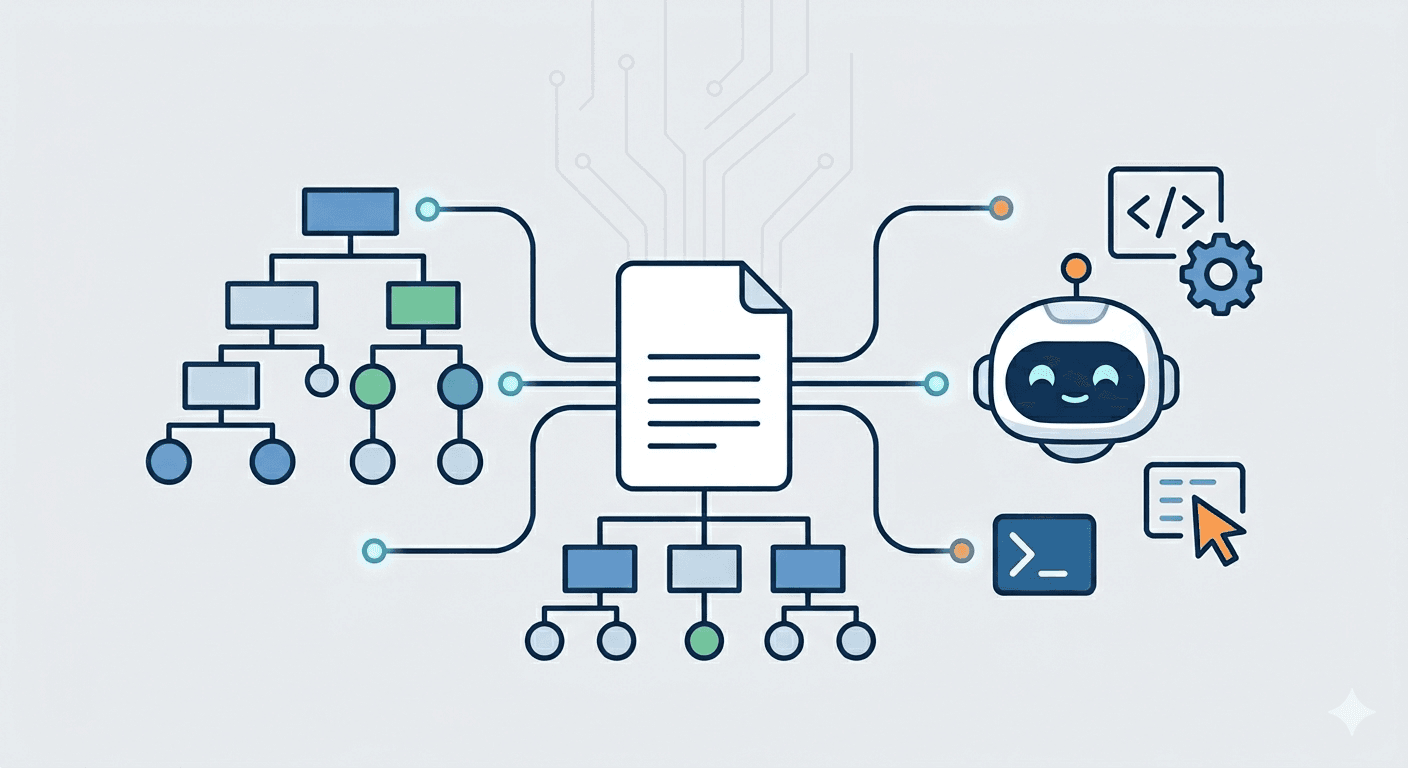
Version 1 - Content map for AI (Jeremy Howard / Answer.AI) The original proposal: a Markdown file that helps AI understand the structure and content of your site. It focuses on what the site is and where the most important content lives. Most useful for agentic AI and developer tools (Cursor, GitHub Copilot, Claude Code) that need to quickly understand documentation or service offerings while doing their work.
Version 2 - Permissions file for AI crawlers (similar to robots.txt)
A different interpretation treats llms.txt as the place where you define which AI bots have access to your content. You write allow/disallow rules for GPTBot, ClaudeBot, PerplexityBot, and others. This version is more about data control than discoverability.
Both versions exist, are implemented differently across tools and companies, and there's no single enforced standard yet - which is important context for anyone considering adding this file.
Does It Actually Work? An Honest Assessment
This is where I need to be straight, because there's a lot of hype around llms.txt online.
What we know for certain:
- Developer tools like Cursor and GitHub Copilot do fetch
llms.txtand use it to navigate documentation. This is a documented, real use case. - Traditional crawlers (Googlebot, Bingbot) do visit the file - but don't treat it with any special priority.
- One experiment tracking 62,000 AI bot visits recorded only 84 requests to
llms.txt(0.1% of all AI crawler traffic). Specialised AI bots like GPTBot, PerplexityBot, and ClaudeBot essentially ignored it.
What remains uncertain:
- None of the major AI companies have officially confirmed they actively use
llms.txtwhen generating responses. - Google's John Mueller confirmed on Bluesky that Google does not treat the file with any special importance.
- Testing by Search Engine Land found no correlation between implementing
llms.txtand improved visibility in AI-generated results.
The bottom line: Right now, llms.txt is a signal for the future, not a guarantee for today. The standard is evolving, adoption is growing, but measurable results are still uncertain and hard to track.

Who Should Implement llms.txt Right Now?
Definitely worth doing if:
- You have technical documentation, an API, or a code library - developer tools (Cursor, Copilot, Claude Code) actively read
llms.txtand this genuinely helps. - You run a SaaS or tech product with a blog and knowledge base.
- You want a head start before the standard becomes mainstream - implementation takes under an hour.
- You're building a GEO strategy and want all your technical signals in order.
Less urgent if:
- You run a simple business website or a single-service landing page.
- You have more pressing gaps to close first (missing meta descriptions, slow load times, no backlinks).
Short version: llms.txt is one of the cheapest signals you can add in 2026. Under an hour of work, zero cost, real upside potential when the standard matures.
How to Implement llms.txt - Step by Step
Step 1: Decide what to show AI
Pick 10-20 of your most important pages: homepage, services page, top blog posts, contact page. Skip technical subpages, privacy policies, and anything without value for an AI trying to understand your business.
Step 2: Write the file in Markdown
Structure:
# Site Name

Short description (1-3 sentences) of what the site is and who it serves.

## Section 1 (e.g. Services)
- <a href="URL">Page Title</a>: One sentence describing what's on this page.

## Section 2 (e.g. Blog)
- <a href="URL">Article Title</a>: One sentence describing what the article covers.
Step 3: Save as llms.txt and upload to your root directory
The file must be accessible at exactly yoursite.com/llms.txt. Not in a subfolder, not under a different name.
Step 4: Check that robots.txt isn't blocking AI crawlers
Open yoursite.com/robots.txt and check for any entries blocking GPTBot, PerplexityBot, or ClaudeBot. If they're there - remove them or change to Allow: /.
Cloudflare users: Bot Fight Mode blocks automated traffic, including legitimate AI crawlers. If you use Cloudflare - check your settings and exclude known AI bots from blocking. This one fix alone can significantly improve your AI visibility.
Step 5 (optional): Create llms-full.txt as well
Alongside llms.txt you can create llms-full.txt - a version containing the full text of your most important articles. This is for tools that need complete content, not just a URL map.
Can WordPress Do This Automatically?
Yes - from Yoast SEO version 24.x onwards, the plugin can automatically generate and manage your llms.txt file. Just enable the option in settings. Rank Math has added similar functionality as well.
If you don't use either plugin, you can create the file manually and upload it via FTP or your hosting control panel.
The Bigger Picture: llms.txt and AI Discoverability
llms.txt doesn't exist in isolation. It's one piece of a broader set of practices that determine whether your content shows up when people ask AI tools questions relevant to your business.
The full stack looks roughly like this:
Technical layer: robots.txt allowing AI crawlers, llms.txt curating your content, fast load times, clean HTML structure.
Content layer: Answer-first writing that directly addresses common questions, FAQ sections with schema markup, specific and detailed information rather than vague marketing copy.
Authority layer: Backlinks from sources AI models trust, citations in other content, consistent presence across platforms that AI crawlers index.
llms.txt helps with the technical layer - it reduces friction for AI systems trying to understand your site. But it won't compensate for weak content or a site that AI crawlers can't reach in the first place.
Summary
llms.txt isn't a must-have yet - but it's increasingly a worth-having. The standard is maturing, developer tools actively use it, and major AI companies are watching how it evolves.
With under an hour of work, zero cost, and real upside potential as the standard matures, it's hard to find a good reason not to do it.
Add it now, while most of your competition doesn't even know it exists.
Want your website to be technically and content-ready for AI search? Check out our services or get in touch.
Related articles

Claude Opus 4.7: What the New AI Model Means for Your Business
Claude Opus 4.7 launched today. What changed, how it differs from Opus 4.6, and what it means for business owners - a practical breakdown without the technical jargon.

AI Chatbot on Your Website - When It's Worth It (And When It's a Waste of Money)
Everyone says you need an AI chatbot. For half of businesses, it's a bad investment. Here's when it pays off - and when to skip it. Real 2026 pricing included.

Claude Mythos: The Most Powerful AI Ever Built - What It Means for Your Website
Anthropic's Claude Mythos found thousands of zero-days in weeks. It's not public yet - but it's already changing cybersecurity. What website owners need to know.