Google Business Profile - How to Set Up and Optimise Step by Step (2026)
Complete guide to Google Business Profile - from creating your account through every section to a monthly routine that improves your Google Maps ranking.
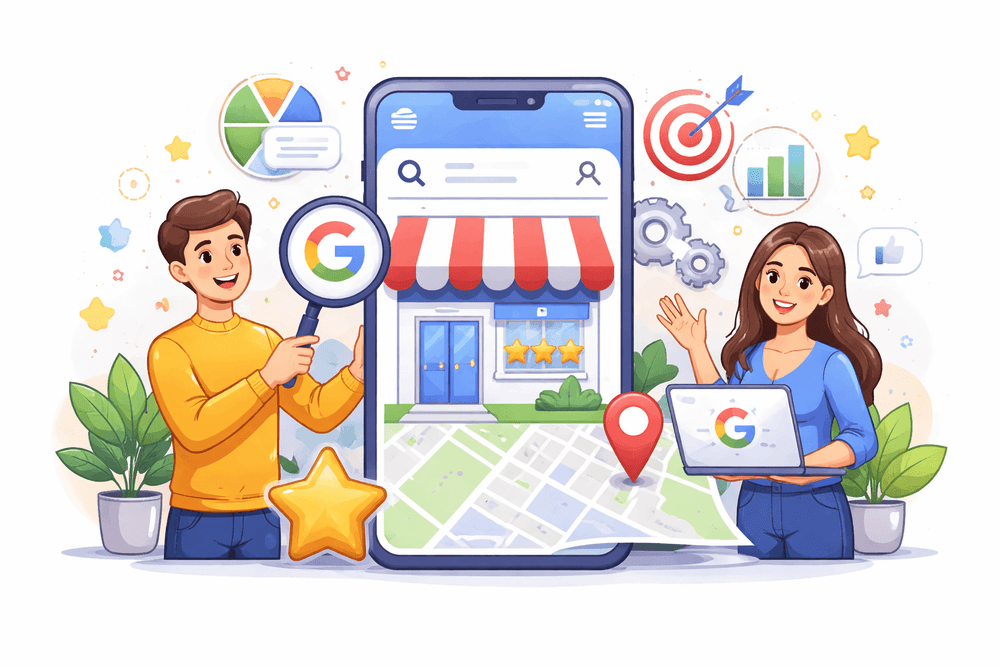
Your Google Business Profile is the most important local marketing tool you have - and it's free. Most businesses either don't have one, or have it filled in to about 30%. If you want customers in your area to find you on Google Maps and in local results, this guide walks you through every step - from creating your account, through filling in every section, to what to do regularly to stay ahead of competitors.
What Is Google Business Profile and Why Does It Matter
Google Business Profile (formerly Google My Business) is a free business listing that controls how you appear in Google Search and Google Maps. When someone types "plumber London" or "coffee shop Manchester city centre," Google shows a "3-pack" - three businesses above all organic results. That's where most phone calls and enquiries for local businesses come from.
According to 2026 data, businesses with a complete and active GBP generate 67% more profile views and 43% more website clicks than those with a half-filled profile. That's not a small bonus - that's the difference between a phone that rings and silence.
Step 1 - Create or Claim Your Profile
Go to google.com/business and sign in with a Google account. Use a business email, not your personal Gmail.
Search for your business name. Three scenarios are possible:
Your business already exists on Google - click "Claim this business" and verify ownership. This sometimes happens when a satisfied customer has already added your business. You can take ownership of that profile.
Your business isn't on Google - click "Add your business" and fill in the basics: full business name (identical to your signage, website, and invoices - no keyword stuffing), address or service area, phone number, website.
Verification - how to get through it
Google needs to confirm that you genuinely operate a business at the stated address. In 2026, available verification methods include:
- Video - the fastest option, increasingly the default. You record a short clip showing your business sign, interior, and yourself as the owner. Verification typically passes within 24-48 hours.
- Postcard - Google sends a code to your business address. You wait 5-14 days, then enter the code in the dashboard.
- SMS or email - available for certain business categories.
Important: you can't fully manage the profile until verification is complete. Don't put it off.
Step 2 - Choose the Right Primary Category
This is the single most important decision in your entire profile. Your primary category determines which searches you're even eligible to appear in. Google's AI in 2026 analyses it more deeply than ever before.
The rule: choose the most specific category that accurately describes your core business.
Examples:
- Instead of "Restaurant" - choose "Italian Restaurant" or "Vegetarian Restaurant"
- Instead of "Doctor" - choose "Dentist" or "Orthodontist"
- Instead of "Construction services" - choose "Electrician" or "Plumber"
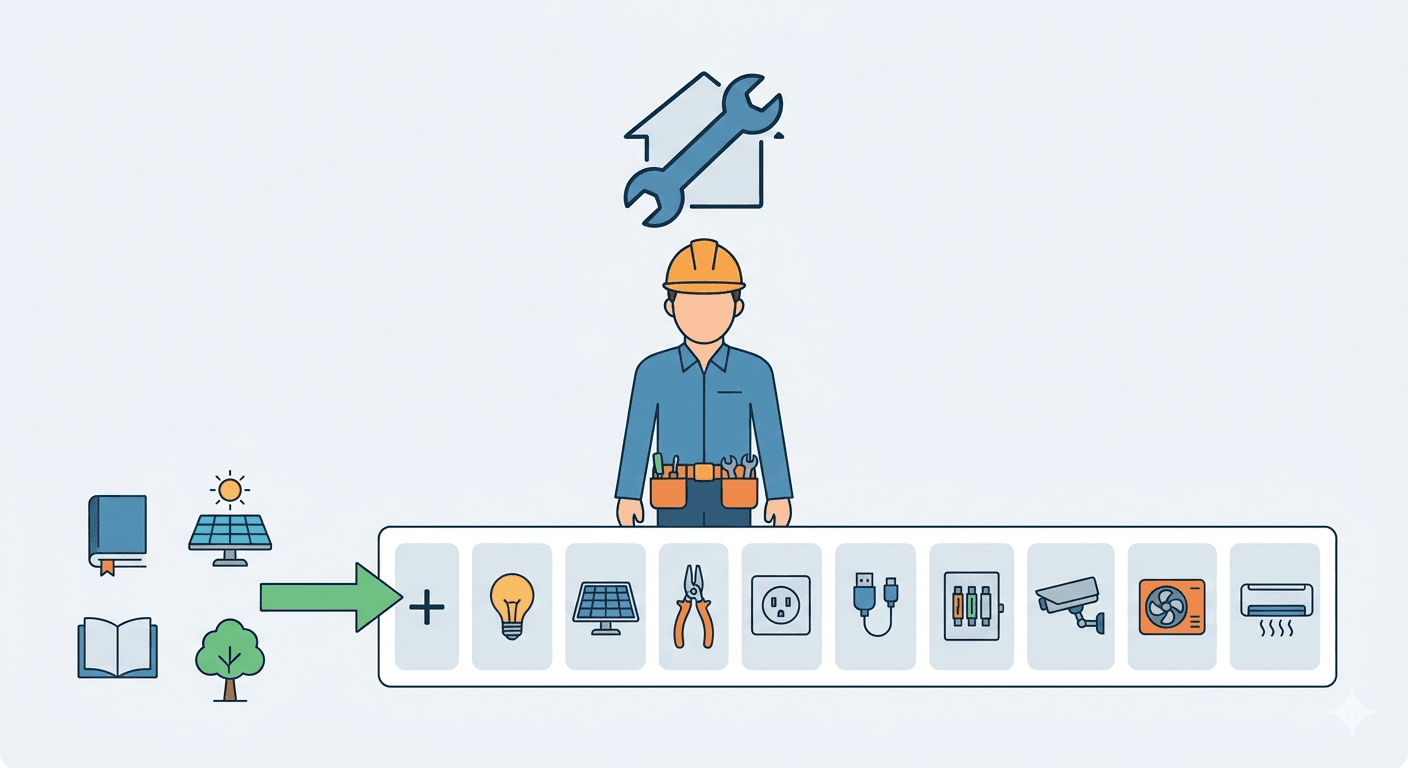
Additional categories - you can add up to 9 secondary categories for related services. For example, an electrician might add "Electrical installation service", "LED lighting installer", "Solar panel installer." Only add categories that genuinely reflect services you offer - irrelevant categories can hurt your ranking.
Step 3 - Fill In Your Basic Information
Business name
Enter exactly the same name as on your sign, website, and invoices. Don't add keywords - "Emergency Plumber John Smith London 24hr" violates Google's terms and can get your profile suspended. "John Smith Plumbing" or your company name is enough.
Address and service area
Businesses with a physical location (shop, salon, clinic) enter their full address - street, number, city, postcode.
Businesses that go to customers (electrician, plumber, cleaning) can hide their address and instead set a service area. You can add up to 20 areas - towns, boroughs, or regions. Set a realistic range - don't claim all of England if you cover one city.
Phone number and website
Your phone number should be a local or mobile number. Make sure the phone number and address are identical on your GBP profile and on your website. Any discrepancy weakens your ranking.
Opening hours
Fill in full opening hours for every day of the week. Mark days you're closed. Before bank holidays and seasonal closures, update your hours - Google highlights businesses with accurate holiday hours. If you offer emergency callouts outside standard hours, mention that in your services description.
Step 4 - Write Your Business Description
You have 750 characters. This is space that most businesses waste writing something like "We are a company with many years of experience offering services of the highest quality."
What actually works: specific information, written in customer language, with natural mentions of your services and the area you cover.
Good example for a plumber: "We handle emergency plumbing repairs across Bristol and surrounding areas - usually on the same day. We cover burst pipes, bathroom fitting, underfloor heating, and drain unblocking. We serve Bristol, Bath, Keynsham, and Clevedon. Call us - we can often be with you within 2 hours."
Don't stuff keywords in unnaturally. Google detects this and treats it as spam.
Step 5 - Complete the Services Section
This is one of the most important sections in 2026. Google uses data from the services section to match your profile to detailed queries - especially those typed as questions or long phrases.
For each service, enter:
- The service name (specific, not generic)
- A price or price range if you can provide one
- A description of what it covers and who it's for
Instead of one entry for "Plumbing services" - add separate entries: Emergency pipe repairs, Bathroom installation, Boiler servicing, Drain unblocking, Underfloor heating installation.
The more detailed your service list, the better Google understands what you do and the more accurately it matches you to relevant searches.
Step 6 - Add Attributes
Attributes are additional details about your business that Google displays directly in your profile and factors into AI-generated answers. In 2026, attributes are analysed in response to voice and conversational queries like "coffee shop with dog-friendly seating" or "wheelchair accessible clinic."
Available attributes depend on your business category. Common examples:
- Accessibility: wheelchair-accessible entrance, parking, accessible toilets
- Payments: credit cards, cash, contactless
- Amenities: WiFi, table reservations, takeaway available
- Identity: women-owned business, veteran-owned business
Only tick attributes that are genuinely and consistently true. If a customer review contradicts an attribute, Google may automatically remove it.
Step 7 - Add Photos
Photos have a direct effect on the number of clicks and enquiries your profile generates. Profiles with current, high-quality photos generate significantly higher engagement. Google's Vision AI in 2026 scans photo content to better understand what you do - a plumber who uploads a photo of a boiler installation may rank higher for "boiler installation near me" even without that phrase in any text.
What to add:
- Profile photo - your company logo or your own photo if you're a sole trader
- Cover photo - the best representation of your business or completed work
- Interior photos - clinic, salon, shop, workshop
- Exterior photos - your sign and entrance, especially important so customers can find you
- Work photos - your projects before and after
- Team photos - people build trust
Minimum to start: 15-20 photos. Add new ones regularly - at least a few times per month. Profiles that haven't added a new photo in over 30 days lose visibility according to current 2026 data.
Step 8 - Collect and Respond to Reviews
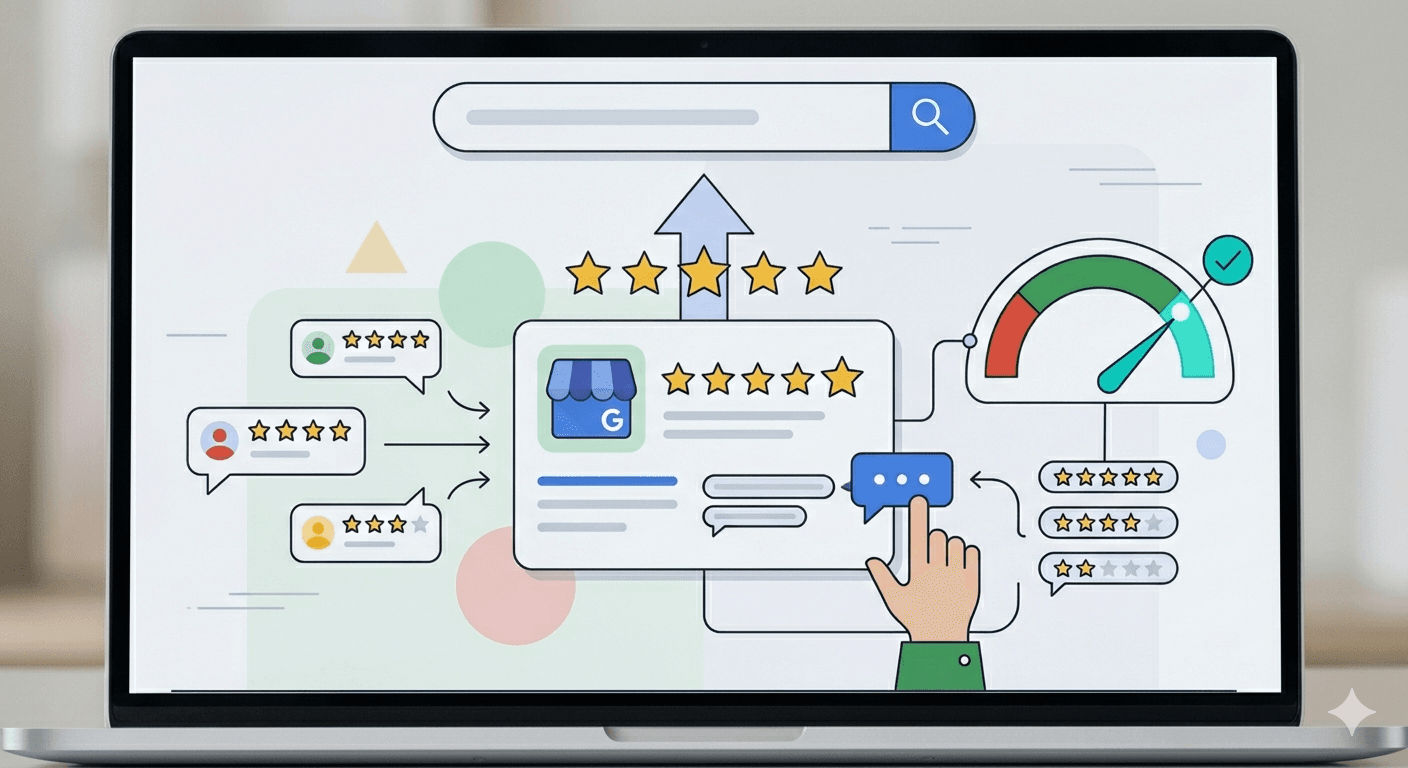
Reviews are one of the three main ranking factors in Google Maps (alongside relevance and distance). But it's not just the number of reviews that matters - consistency counts too. 3-4 reviews per month is a stronger signal than 50 reviews at once followed by a year of silence.
How to ask for reviews:
- After completing a job, send an SMS or email with a direct link to your review form
- Mention it naturally in conversation when the customer is clearly satisfied
- You can print a business card with a QR code leading to the review form
How to respond to reviews:
- Respond to every review - positive and negative
- Positive reviews: short and genuine, you can mention the specific service
- Negative reviews: calm, empathetic, offer a solution - your response is visible to all future customers
Google recommends responding to reviews as a profile activity signal. Businesses that respond to 80% or more of reviews rank better.
Step 9 - Fill In the Q&A Section
The Q&A section lets customers ask public questions - and anyone can answer them. Don't wait for customers to start asking. Add the most common questions yourself and answer them.
Examples for an electrician:
- "Do you offer emergency call-outs outside business hours?"
- "How much does a consumer unit replacement cost?"
- "Do you provide VAT invoices?"
- "Which areas do you cover?"
This is both convenient for customers and important for Google - a filled-in Q&A section appears in AI responses to conversational queries.
Step 10 - Post Regularly
Posts on GBP are updates that appear directly in your profile. They don't directly affect your ranking position, but they increase click-through rates and are an activity signal for Google.
Types of posts:
- Updates - business news, new services, hour changes
- Offers - promotions and discounts with an expiry date
- Events - if you're running workshops, open days, etc.
Frequency: at least once a week. Every post should include a photo and a specific call to action - "Call now", "Book an appointment", "Find out more."
What to Do Regularly - a Monthly Routine
Google Business Profile is not a one-time project. The algorithm rewards businesses that consistently maintain their profile. Here's the minimum routine:
Every week:
- One new post with a current update or offer
- One or two new photos from recent work
Every month:
- Check and update opening hours (especially before bank holidays)
- Respond to all reviews that came in that month
- Check the Q&A section for new questions
- Review statistics in the GBP dashboard - calls, website clicks, direction requests
Every quarter:
- Update your services list if anything has changed
- Add new photos - seasonal or from new completed projects
- Verify that NAP data (name, address, phone) is identical on your profile and website
The Most Common Mistakes That Lower Your Ranking
Adding keywords to your business name - "Plumber John Smith London Emergency 24hr" violates Google's terms. You risk having your profile suspended.
Inconsistent NAP data - different phone number on your website than in GBP, different address in a directory than on Google. Every discrepancy weakens your ranking.
Not responding to negative reviews - one unanswered comment puts off dozens of potential customers who read it.
Outdated opening hours - a customer drives over when your profile says you're open, but the door is locked. One-star review guaranteed.
No activity - a profile that hasn't had a new photo or post in 30 days loses visibility according to current 2026 data.
FAQ - Common Questions
How long does it take to fill in a GBP profile?
Completing all sections thoroughly takes 2-3 hours. Verification can take anywhere from a few hours (video) to 14 days (postcard). First effects on ranking are usually visible 4-6 weeks after full optimisation.
Can I have a GBP without a website?
Yes, but a website significantly strengthens the profile. Google uses your website content to cross-check information from GBP - businesses with a linked website achieve better rankings than those without.
What should I do if someone entered incorrect information on my profile?
If you have a verified profile, you can edit information directly. If you don't have a profile and someone created one without your knowledge, you can claim it through the "Claim this business" process.
Does GBP work the same way for every industry?
No. Google's local algorithm differs between industries. In emergency services (plumber, locksmith) distance and opening hours carry more weight. In health services (dentist, physiotherapist) reviews and E-E-A-T have a greater influence.
How do I know if my profile is well optimised?
Log into your GBP dashboard and check the "Performance" tab - you'll see how many people viewed your profile, clicked your website, called you, or requested directions. Compare with competitors by searching your category in your city.
Does a perfect 5.0 rating help ranking?
Interestingly, a perfect 5.0 with zero negative reviews is sometimes flagged as suspicious by Google's AI filters. A rating of 4.5 or above combined with at least 20 recent reviews and active engagement is sufficient - and often more credible.
Summary
Google Business Profile is the most cost-effective local marketing tool a small business has - because it's free and gives you access to customers who are actively searching for your services. A complete, active profile with regular reviews and photos is the difference between appearing in the Google Maps top 3 and invisibility.
If you'd like help optimising your profile or building a website that reinforces it - book a free consultation.
Written by SN Solutions - we build websites and help local businesses appear where their customers are already searching.
Related articles

How to Show Up in AI Search Results: GEO & AEO Guide for 2026
If you're not cited in ChatGPT or Perplexity, you're invisible to millions of potential clients. Here's exactly what to do about it - no fluff, just tactics.
How to Create a Website That Sells? Complete 2026 Guide
Got a website but no inquiries? Find out what's blocking sales and how to fix it - from strategy to technology. A practical step-by-step guide for 2026.

Why a Beautiful Website Doesn’t Sell
Learn why a beautiful website doesn’t automatically sell and how to combine design, content, and effective CTAs to boost conversions and attract customers.